State Specific Training
Update in-person training to interactive eLearning on state specific procedures.
While our phone agents generally handle the same group of states on a daily basis based on their location, we offer specialized training to our more advanced agents to allow them to handle calls on a countrywide scale. This specializing training is typically offered as an instructor led session. However, to help agents learn the material in a more engaging manner, the training was adapted into a self-paced elearning course. Once they had completed the full course, they would be prompted to take a quiz to test their knowledge. With a passing score, they would then be qualified to handle calls from that state.
To avoid sharing proprietary information, I have omitted confidential information in this case study.
Planning Helps with Progress
State specific course material was developed into an exploratory iPad format where agents could review topics at their own pace. Due to the free-form nature of the eLearning module, an outline was created to illustrate the paths an agent could take while exploring the various topics.
This material was developed with a teammate in a different office, so we had to work together to develop courses that were clean and consistent.
A mock-up of the eLearning was created using PowerPoint to understand the layout and order of the final course.
The eLearning course included interactive games for agents to test their skills and call clips to listen to real life examples.
A reference guide was created for each course for agents to use while handling these states on phone calls.
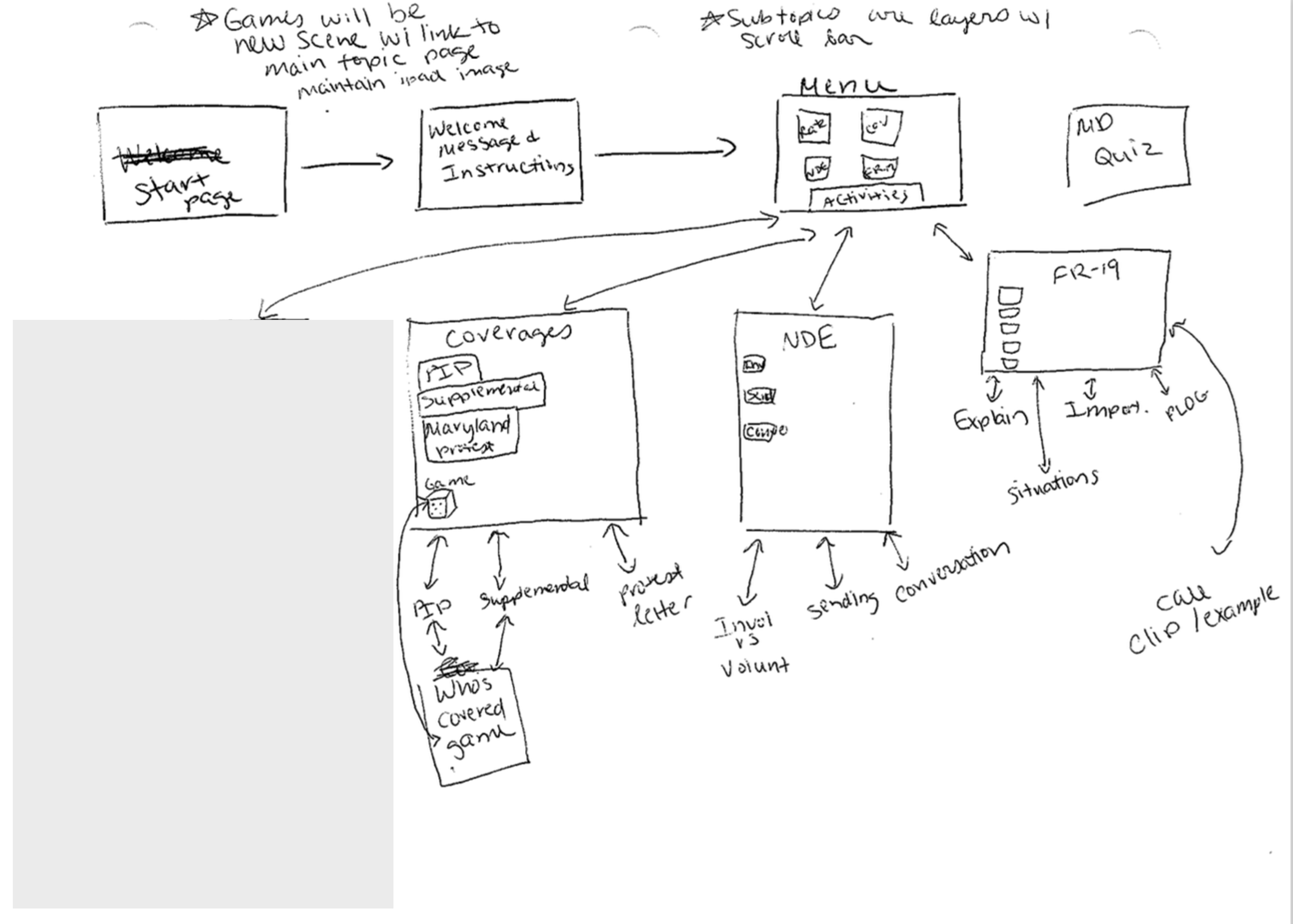
Written outline of the course content.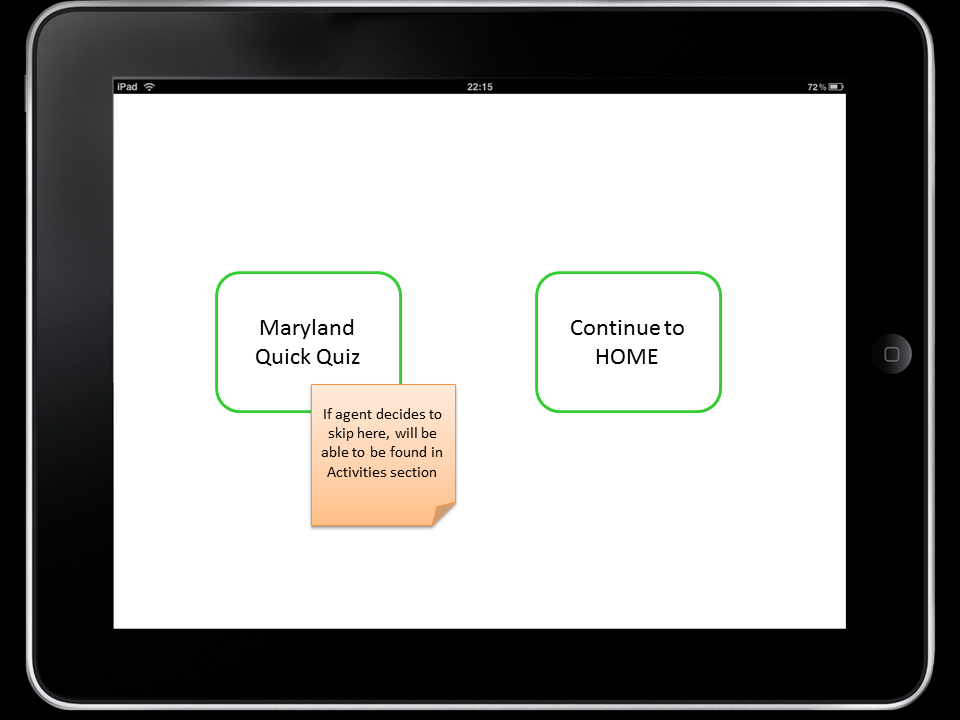
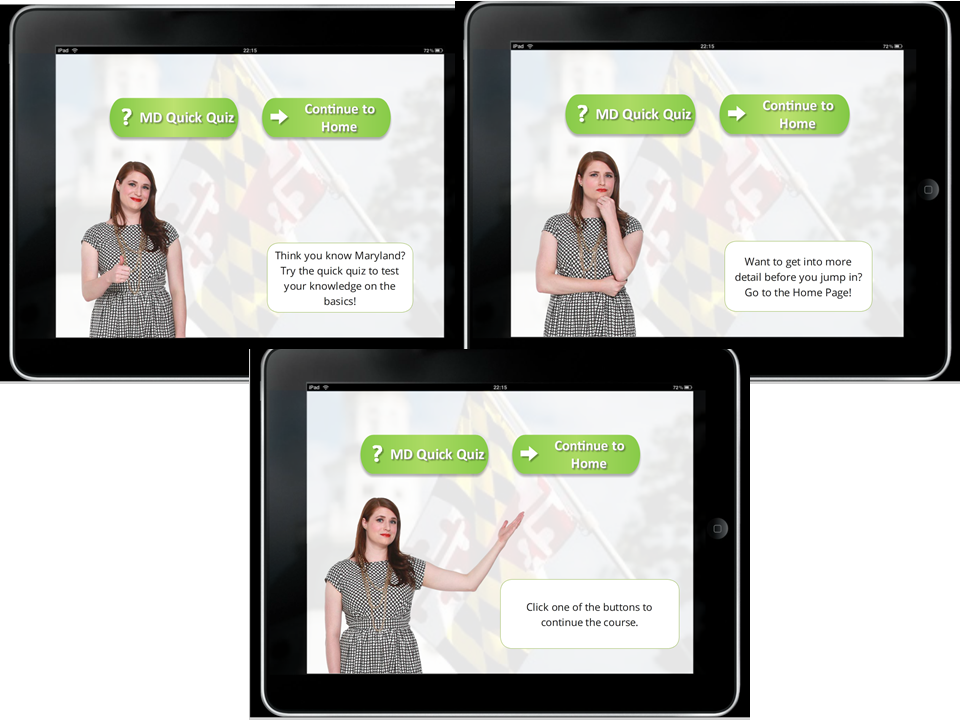
These images illustrate the difference between the PowerPoint mock-up and the final eLearning course.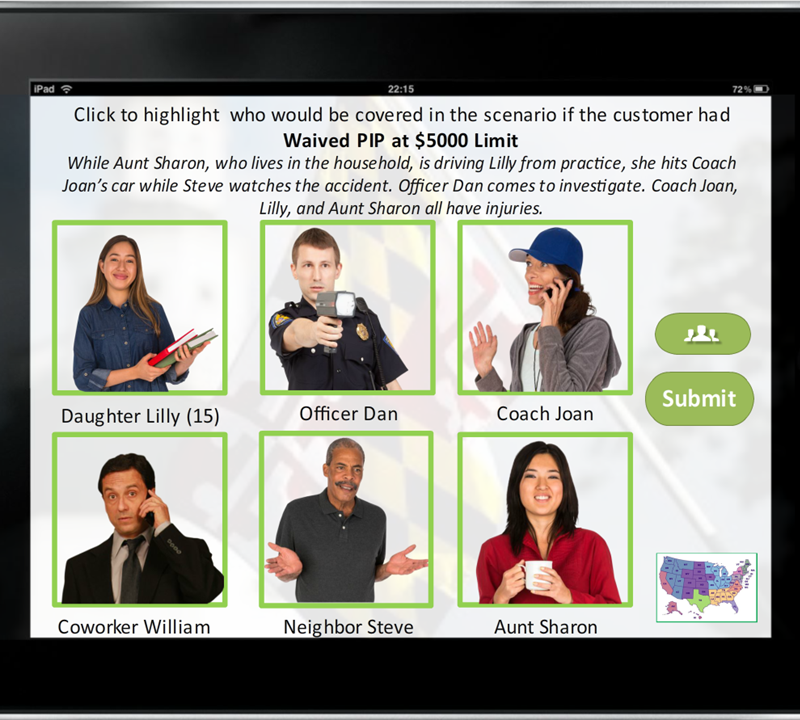
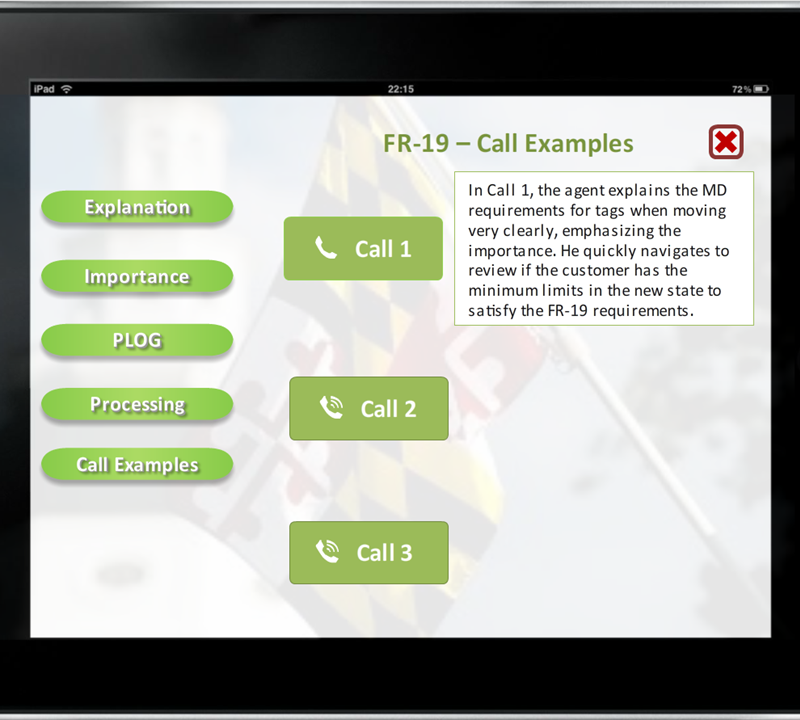
Illustrations of two of the interactive components of the eLearning module.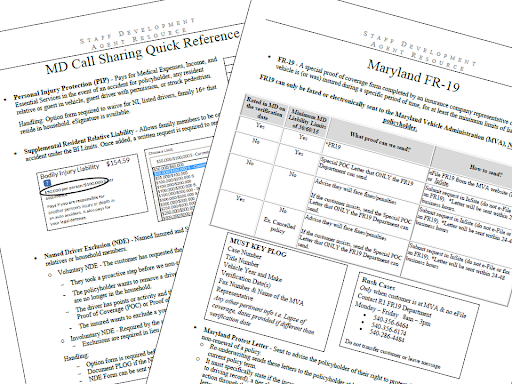
Reference guides have everything that agents need to know right at their fingertips.