Branching Scenario
An innovative training that will teach field associates core selling skills that would provide each patient a vision solution that they need.
This project came out of a need to teach our field associates core selling skills that would provide each patient a vision solution that they need. Since this was an important initiative brought forward by our CEO, we committed to building an interactive branching scenario, an eLearning we’d never created in our organization before.
For the project, I served as the project lead. I organized the rest of the team and delegated tasks in order to complete the project within a short-time frame. I met regularly with senior leaders serving as stakeholders and subject matter experts to provide updates and get feedback. Materials for feedback were always sent out in advance for review and I would schedule working sessions in order to allow for a collaborative feedback experience.
I built all the technical aspects of the project. This includes three unique branching scenarios and five videos that highlighted key concepts that we wanted to share with our learners. Unless noted, I created all the video scripts, the imagery used throughout the training, the video voice-overs, captioning for the videos to make them accessible, and editing of the videos.
Planning and Drafting the Scenarios
This project took the whole team cooperating to get it completed in a short span of time.
3 of my teammates each worked on creating an interactive scenario that demonstrated a topic we wanted to highlight to help associates provide the best solution for our patients.
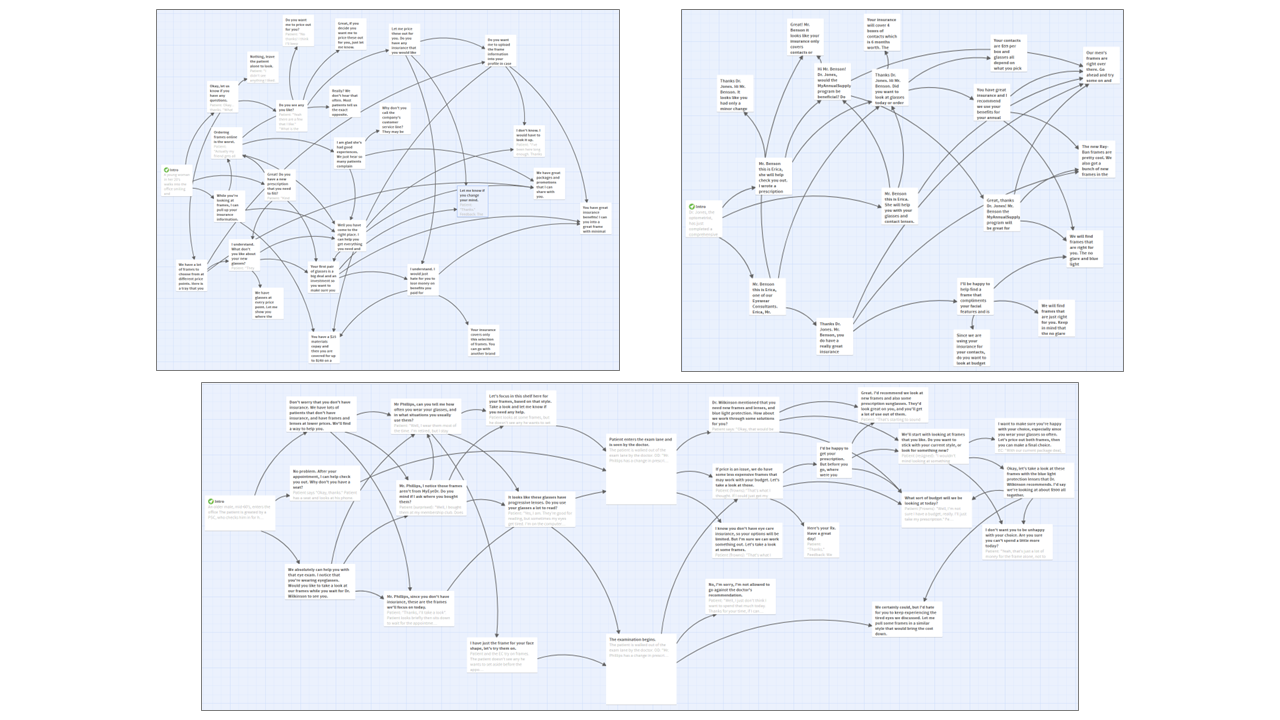
We used the online software Twine to outline our scenarios. This made it easy to draft out the possibilities, rather than building directly in Storyline.
I taught the team how to use the software, and once the scenarios were finished, I was able to export as an interactive PDF so that it would be easy for subject matter experts and stake holders to review.
Building the Scenarios in the eLearning
Once the scenario outlines were approved by our SMEs I created all the images and built them directly into Storyline.
At the request of our stakeholders, if an associate goes down the wrong path in the scenario, they are automatically taken back to the beginning until they are successful. As well, at the bottom of each “slide” associates can restart the scenario as well.
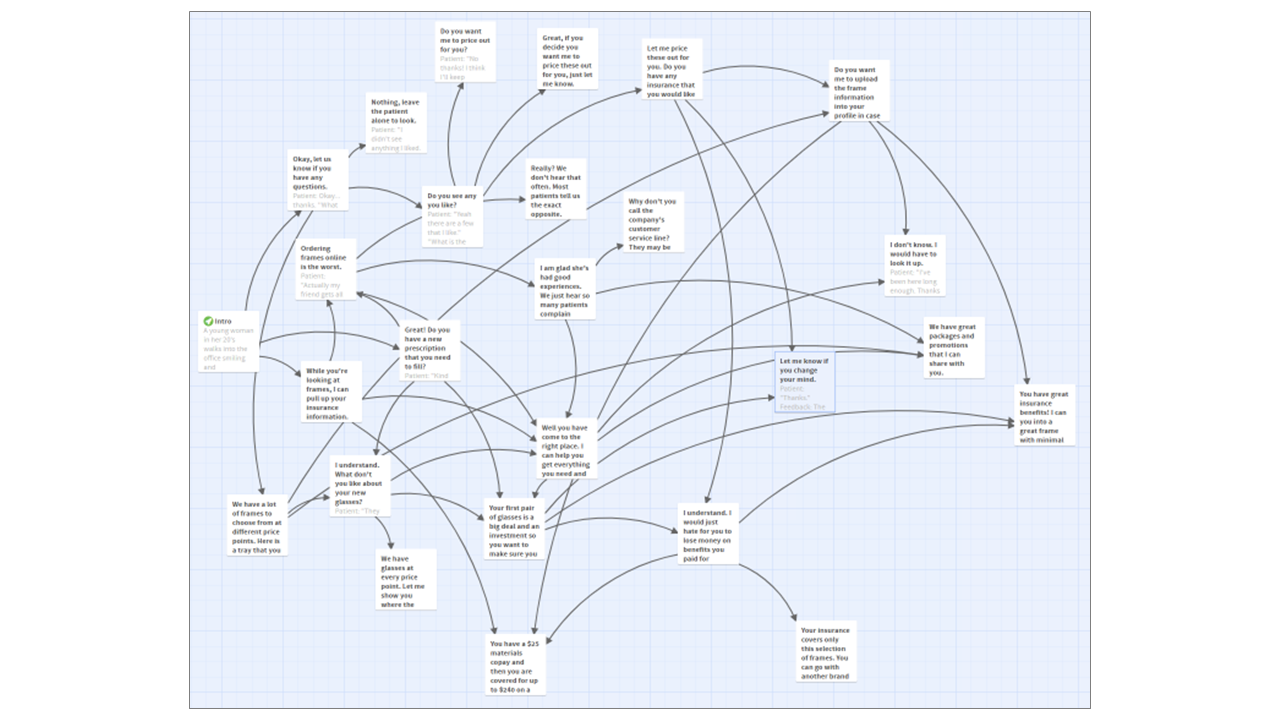
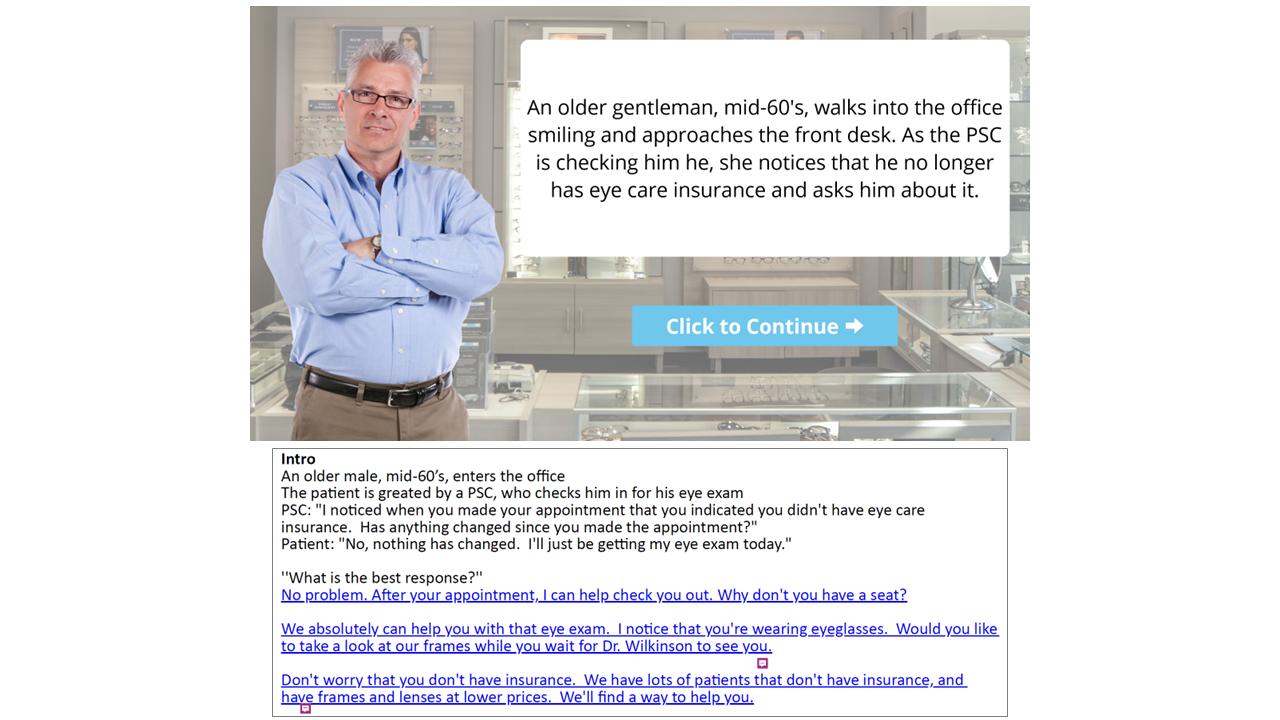
Scenario outlined in Twine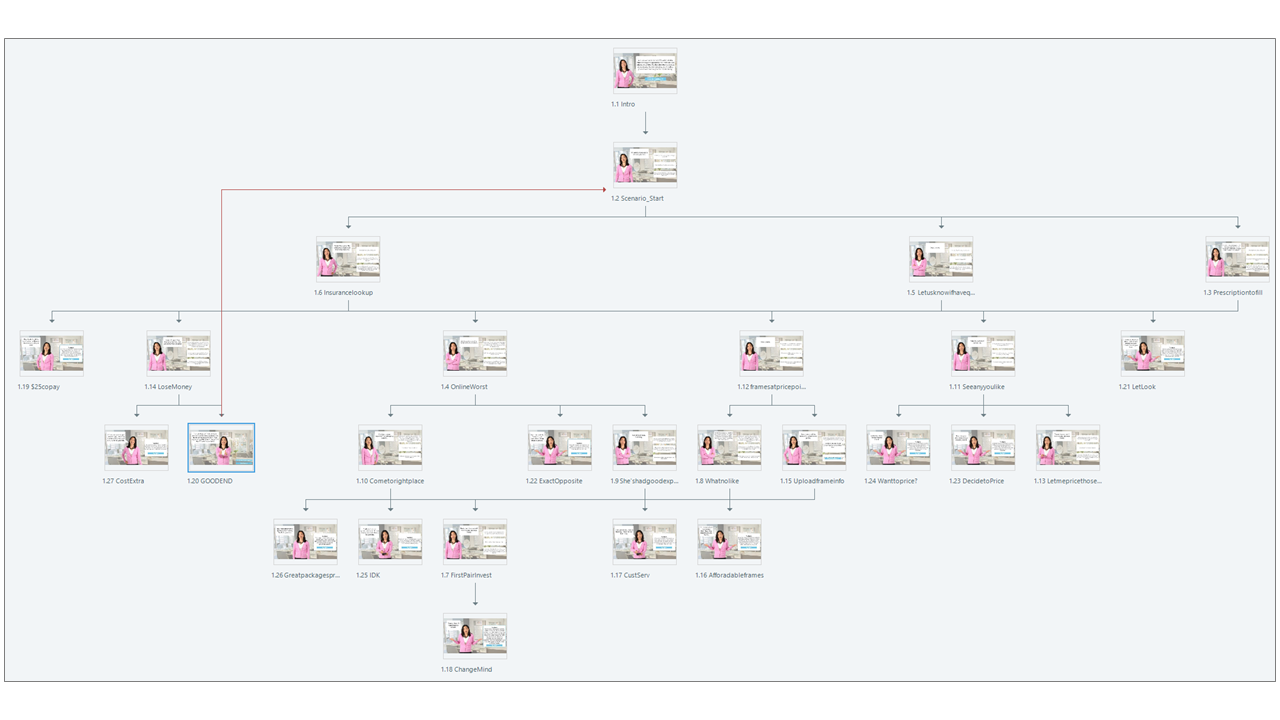
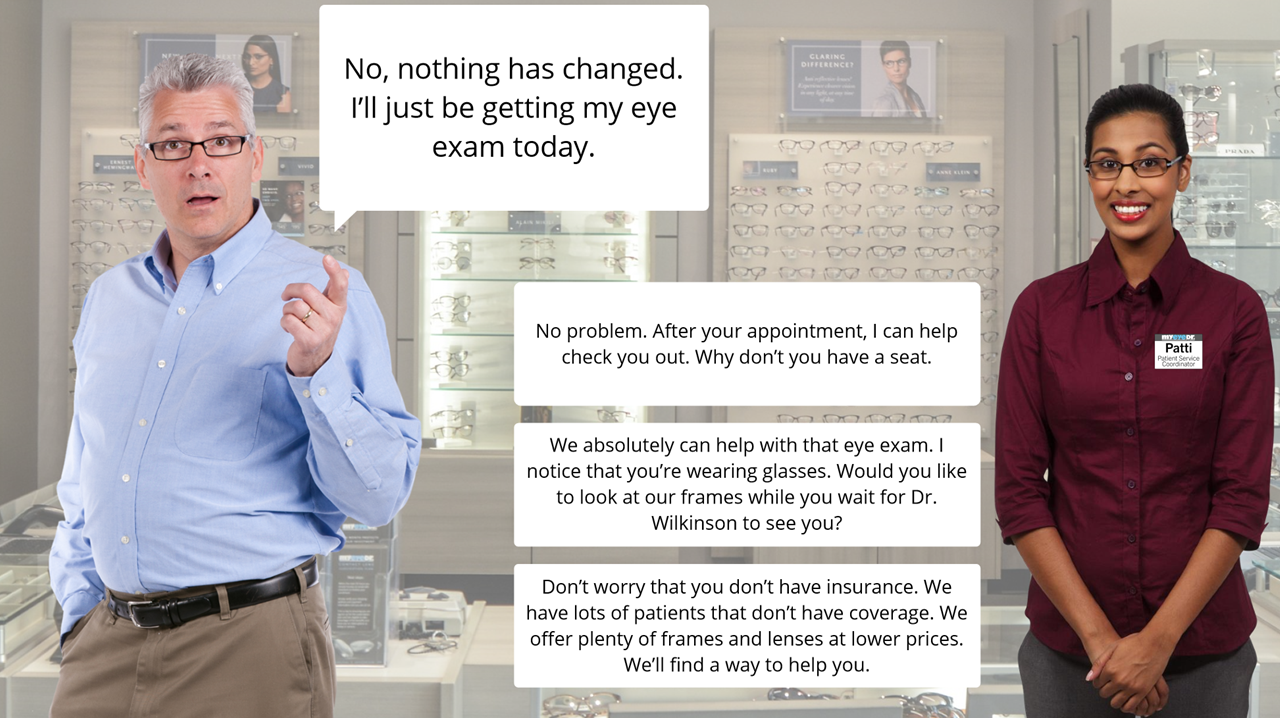
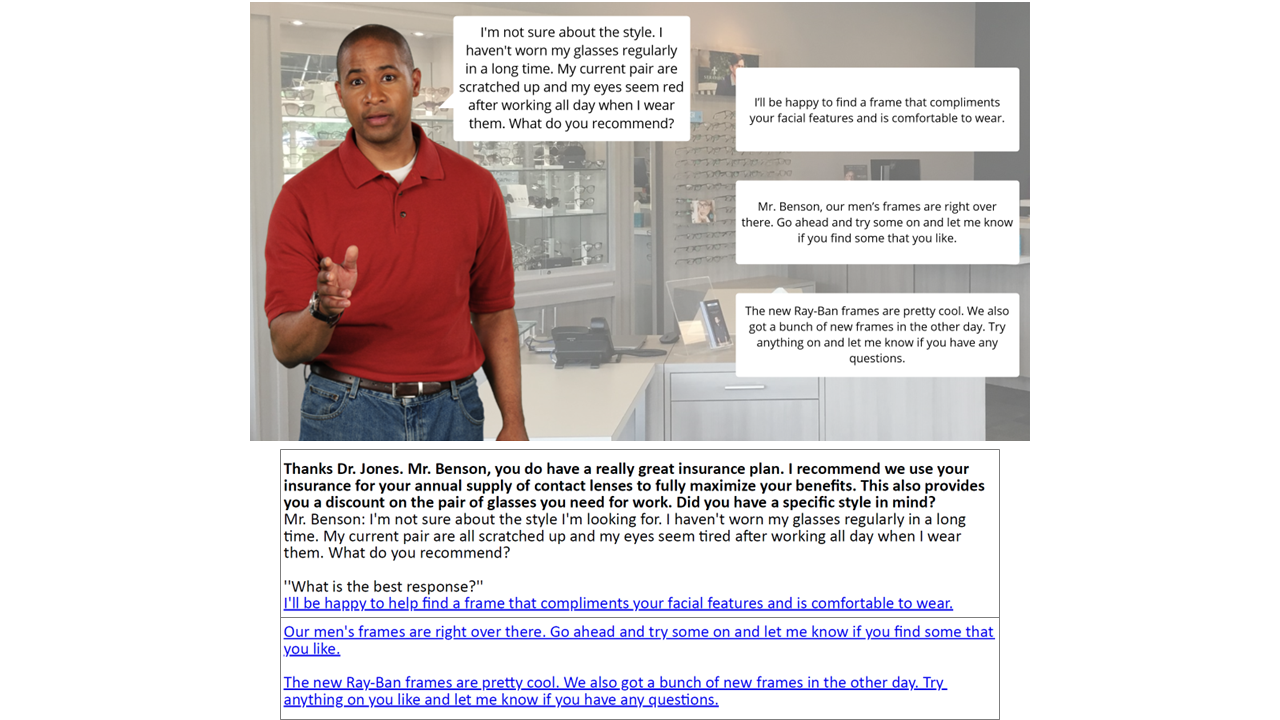
Scenario outlined in Articulate Storyline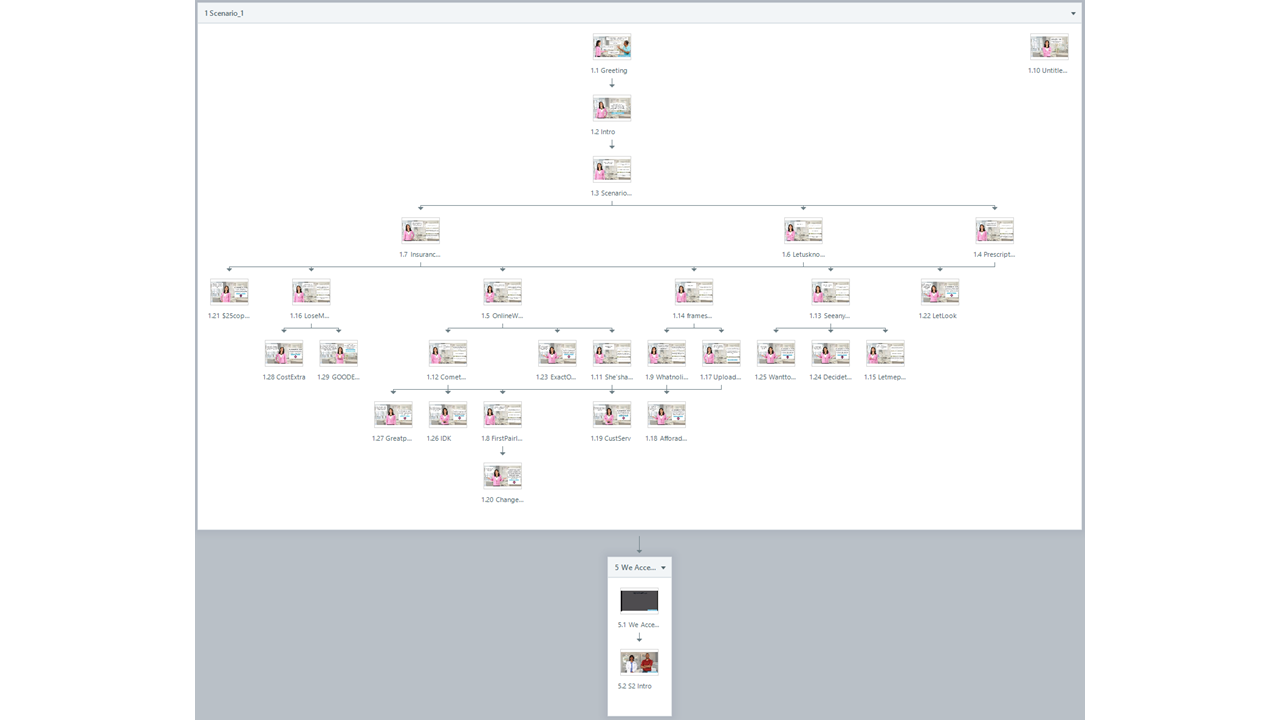
After an introduction video, learners are immediately taken into an interactive scenario. Once they complete the scenario, they watch a teaching video highlighting key concepts our SMEs and Stakeholders wanted to touch on.
They are then led into the next scenario, through the course, finishing up with a final closing video.
eLearning Preview
Each interactive scenario starts off with an introduction of the patient. If other characters are introduced (in this case our front desk worker, called a Patient Service Coordinator), we’ve made their interactions interactive for the learner too. These quickly lead into the learner’s role as the eyewear consultant looking to serve the patient’s needs.
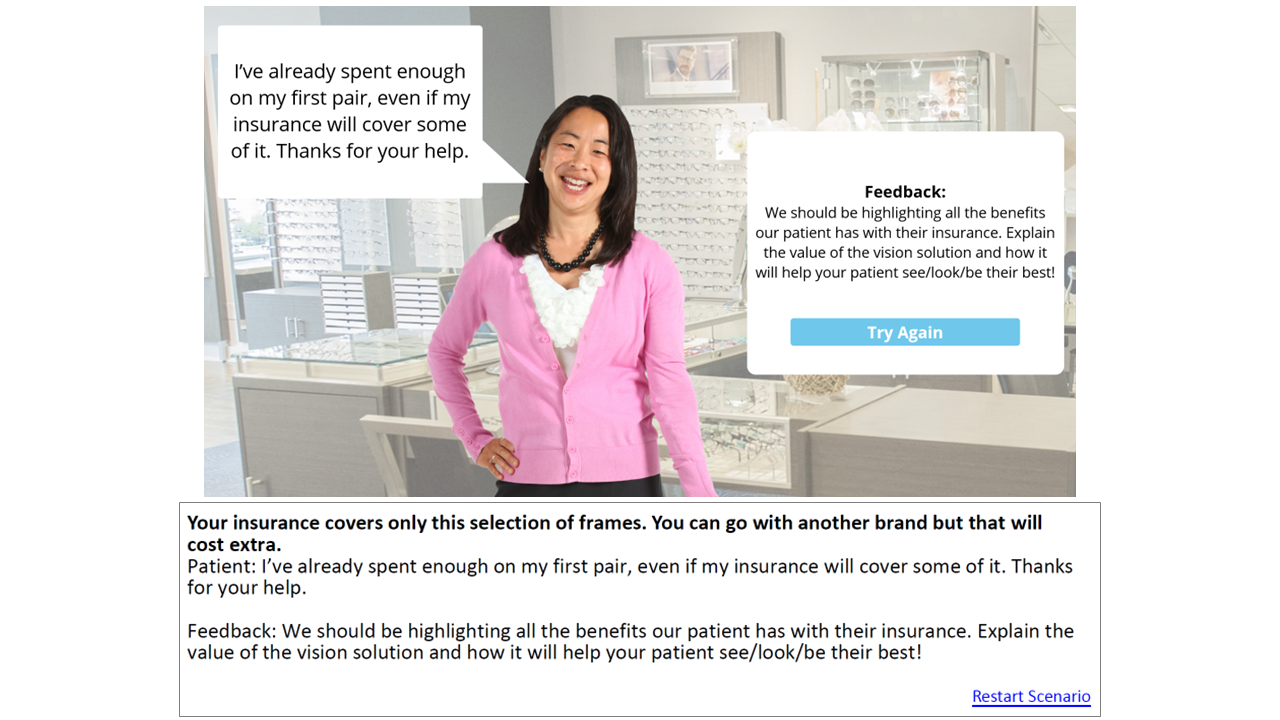
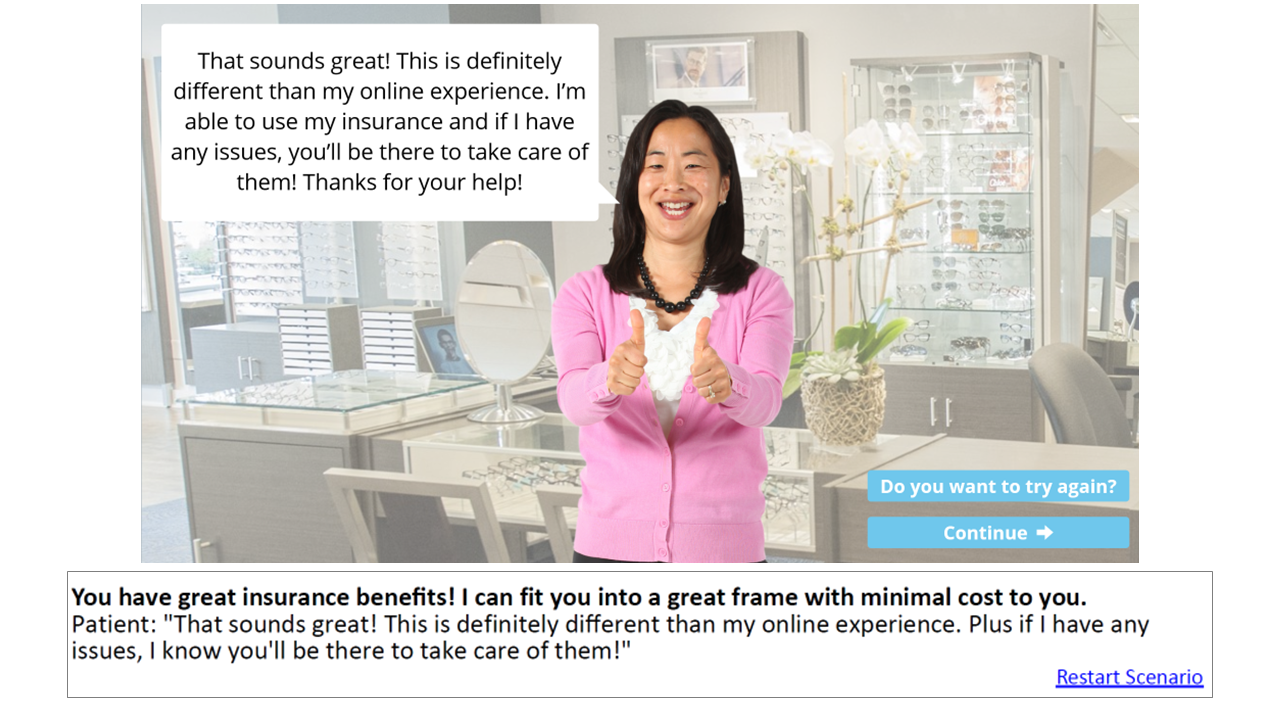
At the end of an unsuccessful scenario, the associate is given feedback based on their response.
They will restart the scenario in order to be successful.
The course is set up that if an associate is unsuccessful, their answers remain marked so that they don’t take the same unsuccessful path twice.
Additional Project Details
All of the images used throughout the project were created using imagery from Canva, Microsoft PowerPoint, and internal images/footage where necessary.
The videos were edited in Adobe Premiere Pro. Additional edits to the characters (facial expressions/poses) were done in Photoshop.